
Kindle Scribe Review: The Ultimate E-Reader and Digital Notebook
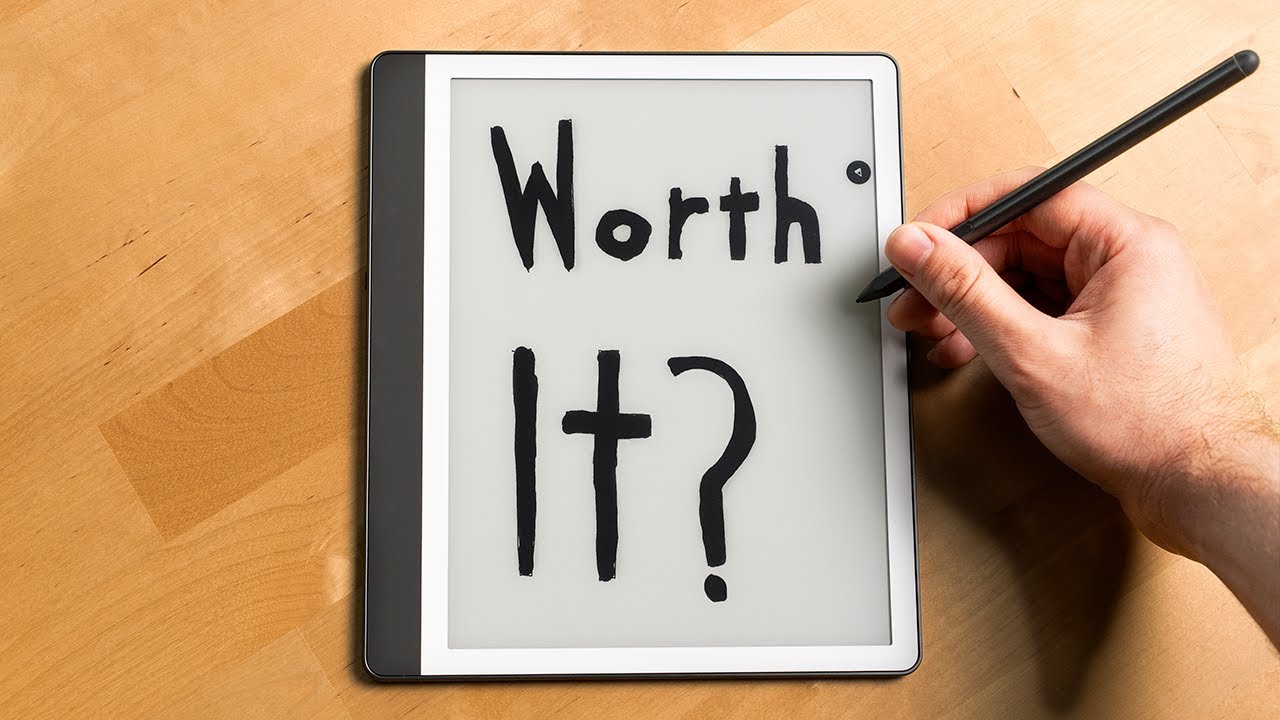
📺 Video review by 6 Months Later
See today’s price and availability
Quick Verdict
Pros
- Ultra-thin 5.4mm design, ultra-light 400g
- Massive 10.2-inch glare-free display
- 40% faster writing and page turns
- Premium Pen with no charging required
- AI tools for handwriting conversion and summaries
- Active Canvas for natural book annotations
- Google Drive and OneDrive integration
- Weeks of battery life
Cons
- Premium price ($499+)
- Not ideal for heavy sketching or art
- Limited third-party app support
The Amazon Kindle Scribe (2025) is not just an e-reader, it is a digital notebook, a creative canvas, and a document annotator wrapped in one elegant device. With its massive 10.2-inch display, AI-powered handwriting tools, and the included Premium Pen, the Kindle Scribe represents Amazon's boldest attempt to bridge the gap between reading and writing. After extensive testing, we explore whether this device can replace your paper notebooks while delivering the exceptional reading experience Kindle is known for.
Design: Thin, Light, and Premium
The 2025 Kindle Scribe is a marvel of engineering. At just 5.4mm thin,slimmer than a standard pencil, and weighing only 400 grams, it feels impossibly light for a device with a 10.2-inch screen. The aluminum chassis is meticulously crafted with a soft-touch matte finish that resists fingerprints and provides a secure grip.
The bezels are thoughtfully sized, providing ample space to rest your palm while writing without triggering accidental touches. The power button and USB-C charging port are positioned on the top edge, keeping them accessible but out of the way during writing sessions. The overall aesthetic is minimalist and professional, fitting seamlessly into any environment from coffee shops to boardrooms.
Display: Massive, Glare-Free, and Responsive
The 10.2-inch E Ink Carta 1300 display is the largest screen ever on a Kindle. The 300 PPI resolution ensures text is laser-sharp, whether you're reading a novel or reviewing handwritten notes. The glare-free surface makes outdoor reading effortless, even in direct sunlight.
Amazon redesigned the display stack to virtually eliminate parallax, the gap between the stylus tip and the digital ink. Writing feels remarkably natural, almost indistinguishable from pen on paper. The texture-molded glass adds subtle friction that mimics the tactile feedback of writing on high-quality stationery.
The auto-adjusting front light adapts to ambient conditions, providing comfortable reading and writing in any lighting scenario. The warm light feature reduces blue light exposure during evening note-taking sessions, helping protect your sleep cycle.
Performance: 40% Faster Writing and Page Turns
The 2025 Scribe is 40% faster than its predecessor. Page turns are instant, and writing latency has been reduced to nearly imperceptible levels. Switching between reading mode and note-taking mode is seamless, with no lag or stuttering.
Navigating the interface is intuitive. The toolbar slides out with a swipe, providing quick access to pen types, highlighters, erasers, and settings. Switching between notebooks, documents, and books is fast and fluid, making it easy to jump between tasks.
Premium Pen: No Charging, Infinite Creativity
The included Kindle Premium Pen is a thick, ergonomically designed stylus with a soft-touch rubber grip. It features a built-in eraser on the end, simply flip the pen to erase mistakes naturally, just like a traditional pencil. Best of all, no charging is required. The pen uses electromagnetic resonance technology, drawing power wirelessly from the Scribe itself.
The shortcut button on the barrel is programmable. By default, it highlights passages when reading or switches pen types when writing. You can customize it to perform other actions like undoing the last stroke, changing colors, or toggling between tools. The pen attaches magnetically to the side of the Scribe, ensuring it's always within reach and never lost.
Note-Taking: Active Canvas and AI Tools
The standout feature is Active Canvas, which revolutionizes how you annotate books. When you write a note in the margin of a book page, Active Canvas dynamically creates space for your writing, expanding the margin without disrupting the text. When you collapse the note, the page returns to its original layout. This makes annotating textbooks, research papers, or novels incredibly natural.
Amazon has integrated AI-powered tools that transform messy handwriting into clean, readable text. The handwriting recognition is impressively accurate, even with cursive or hurried scrawls. You can also generate summaries of your notes, adjust their length and tone, or search for specific information without remembering exact keywords. These tools turn the Scribe into a powerful productivity device for students, researchers, and professionals.
Cloud Integration: Google Drive and Microsoft OneDrive
The Scribe integrates with Google Drive and Microsoft OneDrive, allowing you to import PDFs, Word documents, and notes directly to the device. You can annotate PDFs with handwritten notes, highlights, and drawings, then export them back to the cloud for sharing or further editing on your computer. This seamless workflow makes the Scribe invaluable for remote work and academic research.
See today’s price and availability
Reading Experience: Still a Kindle at Heart
Despite all the writing features, the Scribe is still an exceptional e-reader. The massive 10.2-inch screen provides an immersive reading experience, especially for graphic novels, textbooks, and PDFs. The Kindle ecosystem remains unmatched, access to millions of books, magazines, and comics through the Kindle Store, Kindle Unlimited, and Prime Reading.
The adjustable font sizes, margins, and line spacing ensure comfortable reading for any vision level. The battery life is impressive, lasting weeks on a single charge with moderate use. If you primarily read, the Scribe's large screen makes it the best Kindle for consuming long-form content.
Storage Options: 32GB or 64GB
The Scribe is available in two storage capacities: 32GB ($499) and 64GB ($549). For most users, 32GB is more than sufficient, it holds thousands of books and hundreds of notebooks. Heavy users who plan to store large PDFs, annotated textbooks, or extensive note collections should opt for the 64GB model.
Who Should Buy the Kindle Scribe?
The Kindle Scribe is ideal for:
- Students who annotate textbooks and take handwritten notes
- Researchers marking up academic papers and organizing references
- Professionals brainstorming ideas and reviewing documents on the go
- Creatives sketching, journaling, or planning projects
- Avid readers who want the largest, most premium Kindle screen
- Digital minimalists seeking to replace paper notebooks
Technical Specifications
| Display | 10.2" E Ink Carta 1300, 300 PPI |
| Thickness | 5.4mm (slimmer than a pencil) |
| Weight | 400g |
| Storage | 32GB or 64GB |
| Battery Life | Weeks on single charge |
| Stylus | Premium Pen (no charging required) |
| Connectivity | Wi-Fi, USB-C |
| Cloud Integration | Google Drive, Microsoft OneDrive |
Kindle Paperwhite vs Kindle Scribe: Which is Right for You?
| Feature | Kindle Paperwhite | Kindle Scribe |
|---|---|---|
| Price | $139.99 | $499.99 |
| Display Size | 6.8" | ⭐ 10.2" (50% larger) |
| Weight | ⭐ 205g (lighter) | 400g |
| Note-Taking | ❌ No | ⭐ Yes (Premium Pen) |
| Storage | 8GB or 16GB | ⭐ 32GB or 64GB |
| USB-C | ✅ Yes | ✅ Yes |
| Waterproof | ⭐ IPX8 | ❌ No |
| AI Features | ❌ No | ⭐ Handwriting to text, summaries |
| Best For | Reading novels, portability | Note-taking, PDFs, students |
Verdict: Get Paperwhite if you only read books; upgrade to Scribe if you take notes or annotate PDFs.
Who Should NOT Buy the Kindle Scribe
The Scribe may not be right if you:
- Only read novels - Save $350+ and get the Kindle Paperwhite instead
- Need color for art or diagrams - Get an iPad or Kindle Colorsoft
- Want extensive third-party app support - iPad or Android tablets offer more flexibility
- Prefer physical notebooks - The tactile experience of paper can't be fully replicated
- Do heavy sketching or illustration - Dedicated drawing tablets like reMarkable or iPad Pro are better
Frequently Asked Questions
Can I export my handwritten notes?
Yes, you can export notebooks as PDFs to Google Drive or OneDrive. The AI can also convert handwritten notes to typed text before exporting.
Does the pen need batteries or charging?
No, the Premium Pen uses electromagnetic resonance technology and draws power wirelessly from the Scribe. It never needs charging or batteries.
Can I annotate library books from Libby?
Yes, if your library uses OverDrive/Libby and supports Kindle format. Annotations sync back to the Libby app for reference after returning the book.
Is 32GB enough storage?
For most users, yes. It holds thousands of books and hundreds of notebooks. Opt for 64GB if you store large annotated PDFs or extensive research documents.
Alternative Options to Consider
- Kindle Paperwhite - If you only read and don't need note-taking ($139)
- reMarkable 2 - For paper-like writing experience with fewer reading features ($399)
- iPad Air with Apple Pencil - If you need color, apps, and full tablet functionality ($599+)
- Boox Note Air 3 - Android-based e-ink tablet with more app flexibility ($499)
Verdict
The Kindle Scribe (2025) is the most versatile e-reader Amazon has ever created. It excels as both a reading device and a digital notebook, with AI-powered tools that enhance productivity and creativity. The ultra-thin design, responsive display, and Premium Pen with no charging requirements make it a joy to use daily.
At $499, it is a premium investment, but for anyone who reads extensively and takes handwritten notes, the Scribe eliminates the need for separate devices. It is the perfect convergence of analog simplicity and digital convenience, an almost perfect e-reader and note-taker.
Availability
View on AmazonSee today’s price and availability
As an Amazon Associate, we earn from qualifying purchases.